Borrowed laptop, library desk: how to start a Cleobetra session cleanly
Treat any borrowed device as temporary. A few extra seconds at the start make the clean-up at the end much easier.
- Open a private or incognito window first, so history, cookies and form data are discarded when it closes.
- Type the casino address yourself instead of following a link from a message or an ad, and check that the padlock appears next to it.
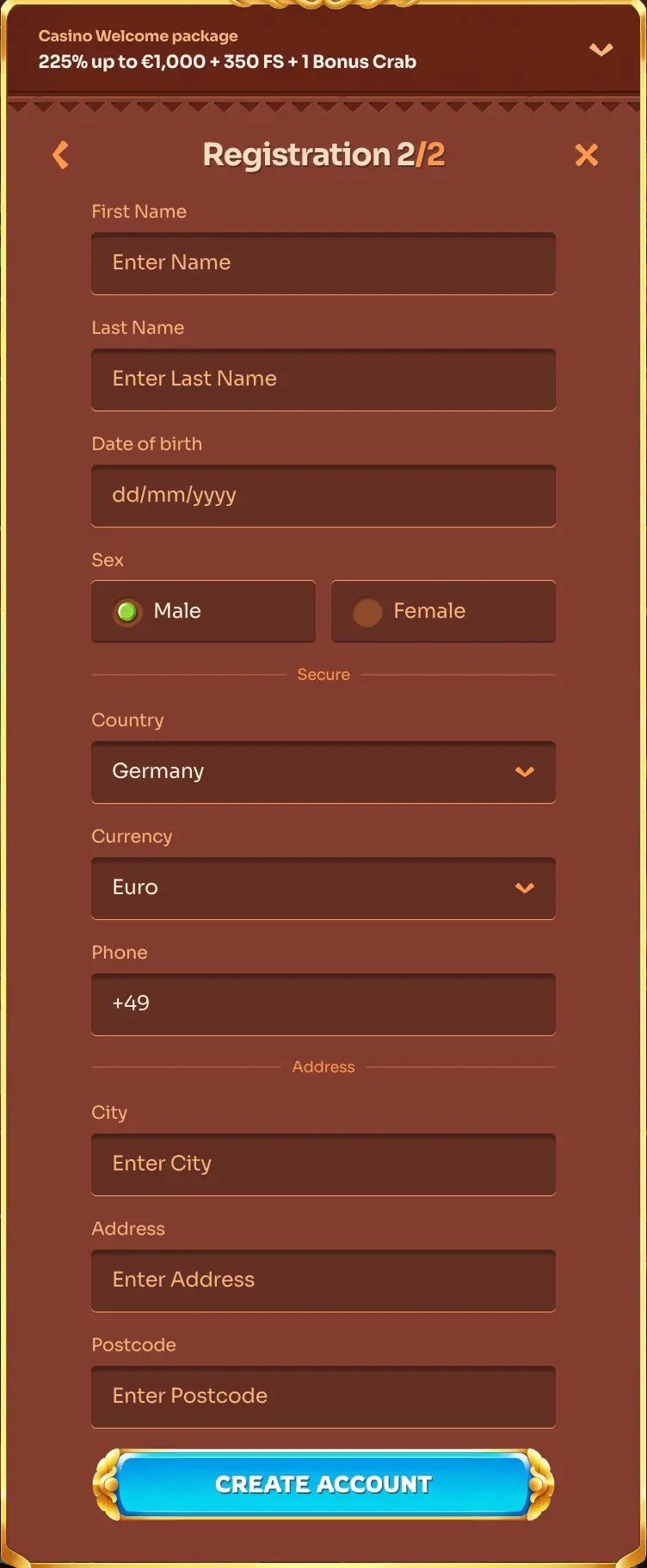
- Press the Login button on the site and enter your e-mail or username and your password.
- If the browser offers to save the password or remember you, decline every time.
- If you have forgotten the password, use the reset option on the same form and follow the e-mail sent to your own address.
A required step such as identity verification before a withdrawal is done only when you are on your own device. Cleobetra Login is for adults aged 18 or over, and your documents should never be uploaded from a public machine.
Sign in here